
SmallLynx Image · In internal testing
Ready for the web.
Still on your Mac.
Convert and optimize images locally on your Mac. Bring a single image or a whole folder. Choose your output and keep the work on your own machine.
Find your workflow
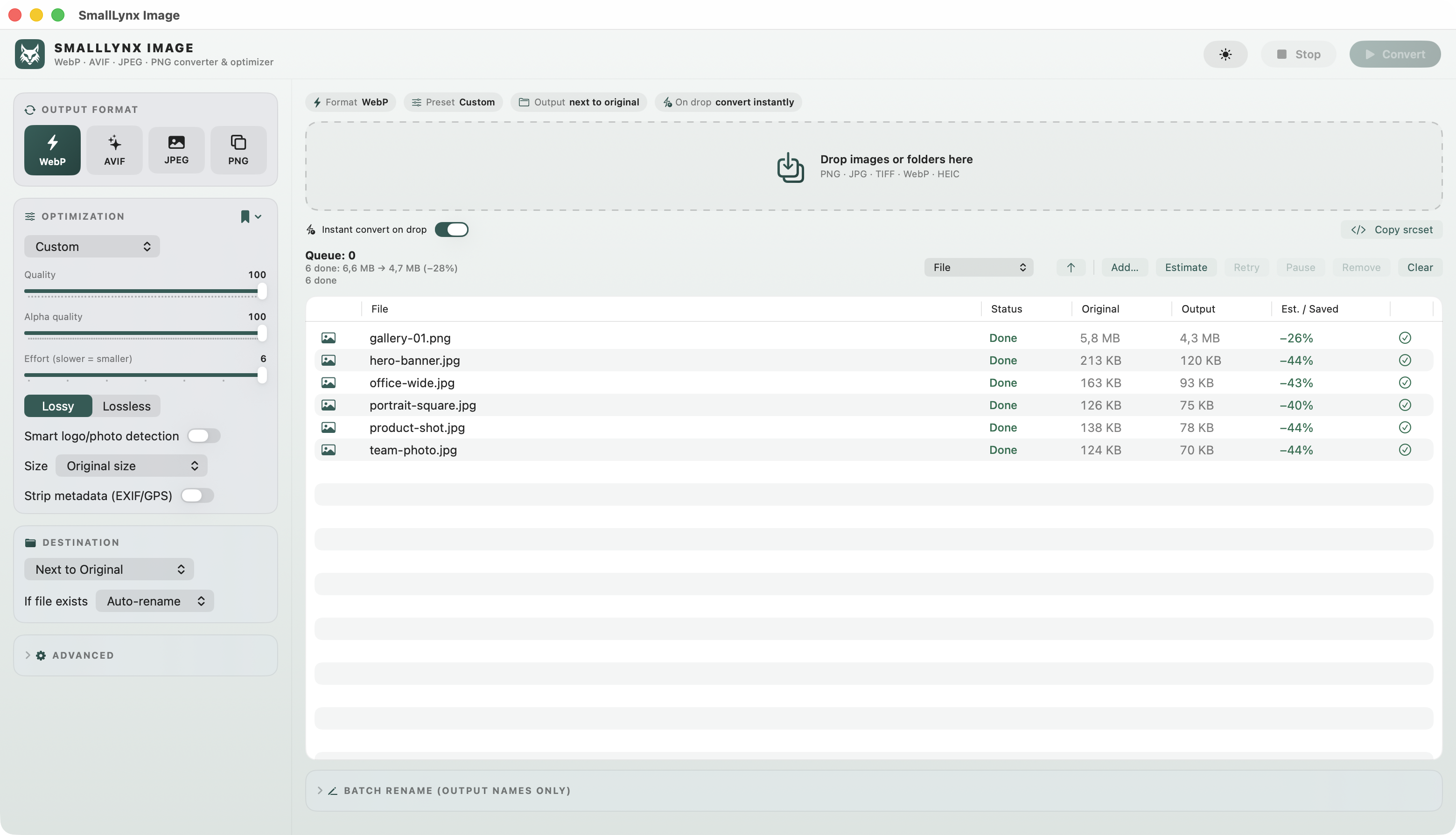
From folder to finished files.
Bring your images.
Add images or folders to a batch. Send files from Finder using Open With or the Quick Action integration.
Make your choices.
Select a format and output settings. Save a profile for repeat work, or use instant conversion when your settings are ready.
Keep moving.
Export your images or prepare responsive sizes with srcset. A watch folder can pick up new files for an ongoing workflow.
Batch conversion
Convert multiple images together.
Reusable profiles
Save your settings as profiles. Use them again and again.
Responsive srcset
Generate responsive image sets for modern websites.
A format for the job.

Flexible web images
Modern compression
Availability depends on macOS.
Everyday photos
Transparency & graphics
HEIC/HEIF and WebP input are supported alongside JPEG, PNG and TIFF. AVIF output depends on the encoder available in macOS; AVIF input is not supported.
Your images stay on your Mac.
SmallLynx Image processes files locally. No uploads are needed for conversion.

Before you begin.
| Release status | In internal testing. A public download is not available yet. |
|---|---|
| macOS | macOS 13 or later is the build target. Validation on macOS 13 is still pending. |
| Architecture | Universal build for Apple Silicon and Intel. Testing on a physical Intel Mac is still pending. |
| AVIF | Output availability depends on your macOS encoder. |
| Finder integration | Open With and Quick Action integration are included. Installation-specific menu verification is still pending. |